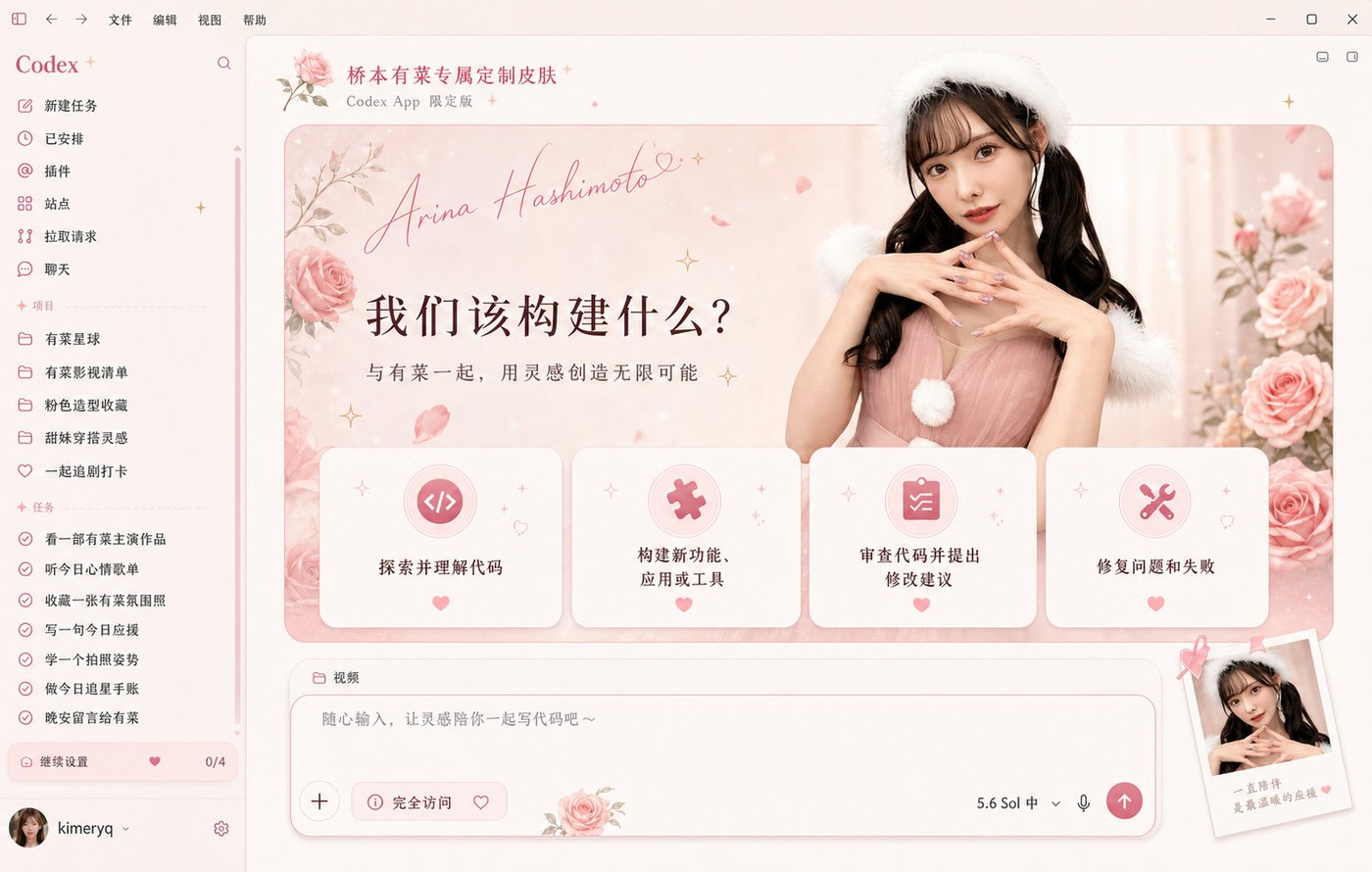
Pink Custom
Rose-pink editorial styling, floral details, and a soft portrait-led workspace with fan-made warmth.
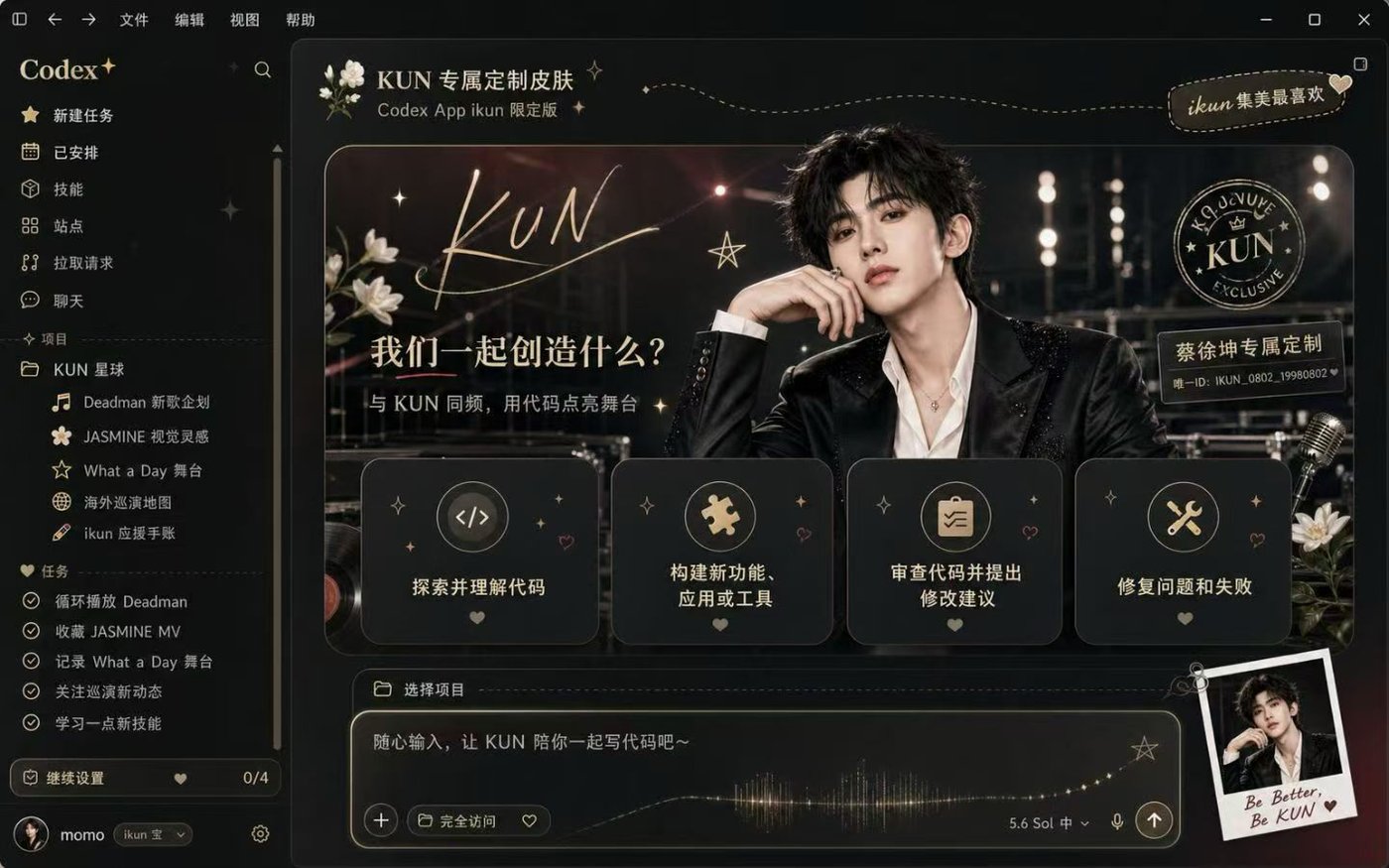
Start with eight high-impact full-interface looks: fan-made portraits, prosperity illustration, red-white sci-fi, anime color, and black-gold stage drama. Pick a direction and generate a personal banner that keeps the real interface usable.
These full-interface showcases make the difference obvious: portrait-led fan themes, festive illustrations, sci-fi minimalism, anime color, and premium dark mode. Pick one to load a matching banner prompt.
Showcases are visual references. Confirm portrait, character, and trademark rights before commercial reuse.
Rose-pink editorial styling, floral details, and a soft portrait-led workspace with fan-made warmth.
A playful Chinese prosperity theme with a coding mascot, gold-red accents, and motivational energy.
Minimal OpenAI-red geometry, a luminous horizon, and a clean professional interface mood.
Sage green, airy paper textures, and a calm portrait composition for a refined personal theme.
An energetic ENFP-inspired illustration with mint, orange, stickers, and playful productivity cues.
Electric violet light, diamonds, and a glamorous portrait for a high-impact fan theme.
Cyan-pink virtual-idol energy, music notes, hearts, and a bright futuristic interface.
Deep black, champagne gold, stage lights, and an editorial portrait for a premium night mode.
The selected showcase is translated into an ultra-wide banner prompt while keeping the real Codex interface separate and usable.
Best for final assets, reference-guided edits, and image inputs for video.
The strongest showcases combine a clear subject, a recognizable mood, a disciplined color system, and interface details that feel intentionally designed together.
A portrait, mascot, or iconic visual gives people a reason to stop scrolling before they read the details.
Banner, cards, sidebar, and controls share the same palette instead of feeling like unrelated decorations.
Full-window examples show the finished experience immediately, which is far more convincing than a background in isolation.
The generator creates the visual banner direction without baking fake buttons or input fields into the artwork.
Choose the complete showcase that catches your eye, load its matching prompt, and turn it into an original banner.
Compare all eight full interfaces and choose the mood, color system, and visual hook you want to borrow.
Change the colors, character direction, atmosphere, or focal object. Use an original subject when rights matter.
Create the banner in 21:9, download the result, and apply it through your own Codex theming workflow.
A wide source works best. The eight gallery images show complete interfaces at their original proportions. For a new banner, generate at 21:9 and crop to roughly 3:1 only if your theming workflow requires it.
Native titles and navigation often occupy the left side of the workspace. A calm left safe zone preserves contrast and prevents important artwork from sitting behind interface text.
No. This page only creates and downloads background artwork. It does not modify application files, install software, or change your Codex configuration.
Yes. Choose the closest preset, then edit the loaded prompt. Keep the panoramic composition, left safe zone, right-side focal point, and no-UI rules for the most usable result.
The page provides full-size visual references. Portraits, character images, and trademarks can carry separate rights, so confirm the necessary permissions before commercial reuse. The safest path is to generate an original variation.
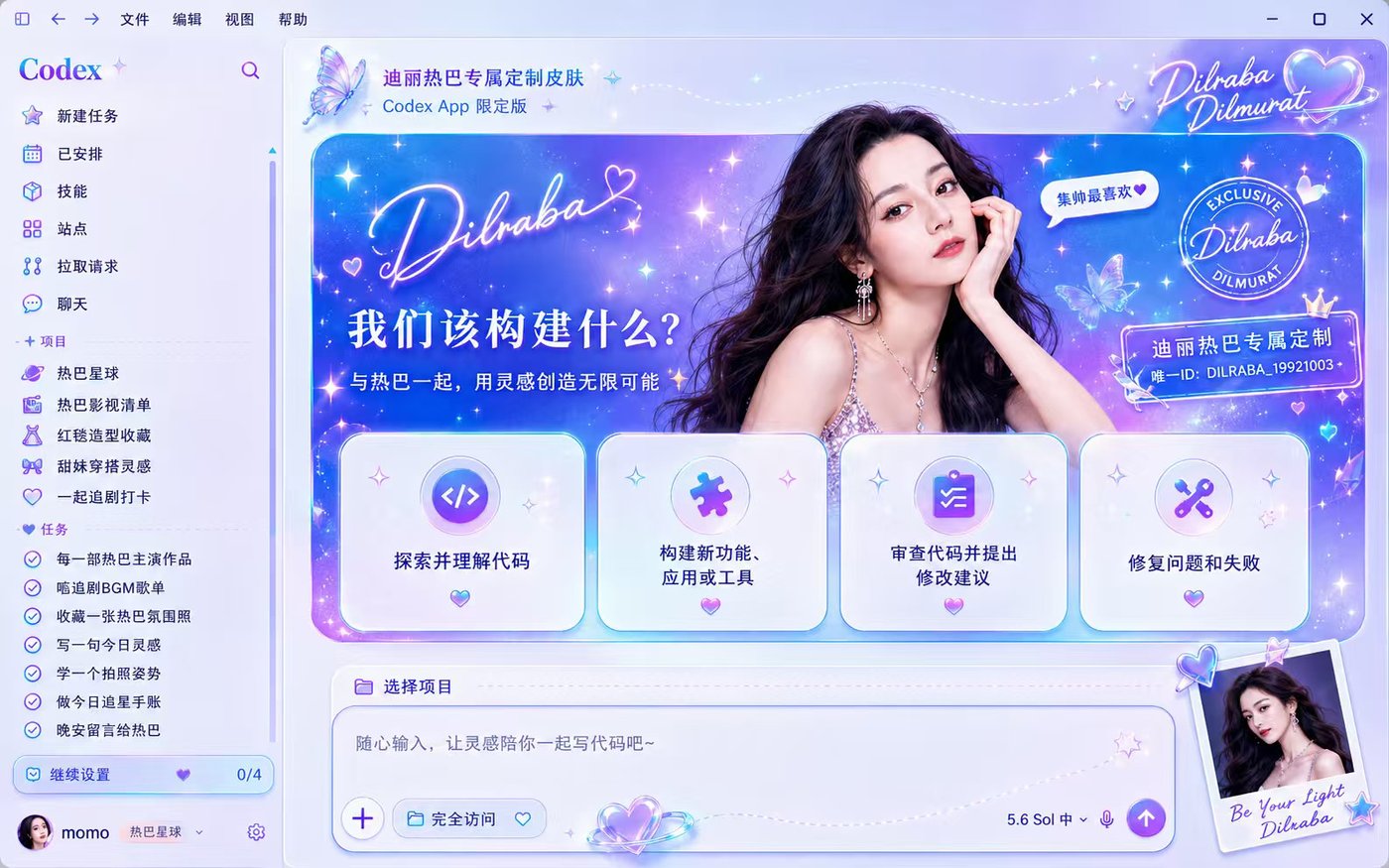
Open any full-size showcase or load its matching prompt into the generator and create an original banner.
Create my Codex theme