
温馨剪贴簿风格图像转换
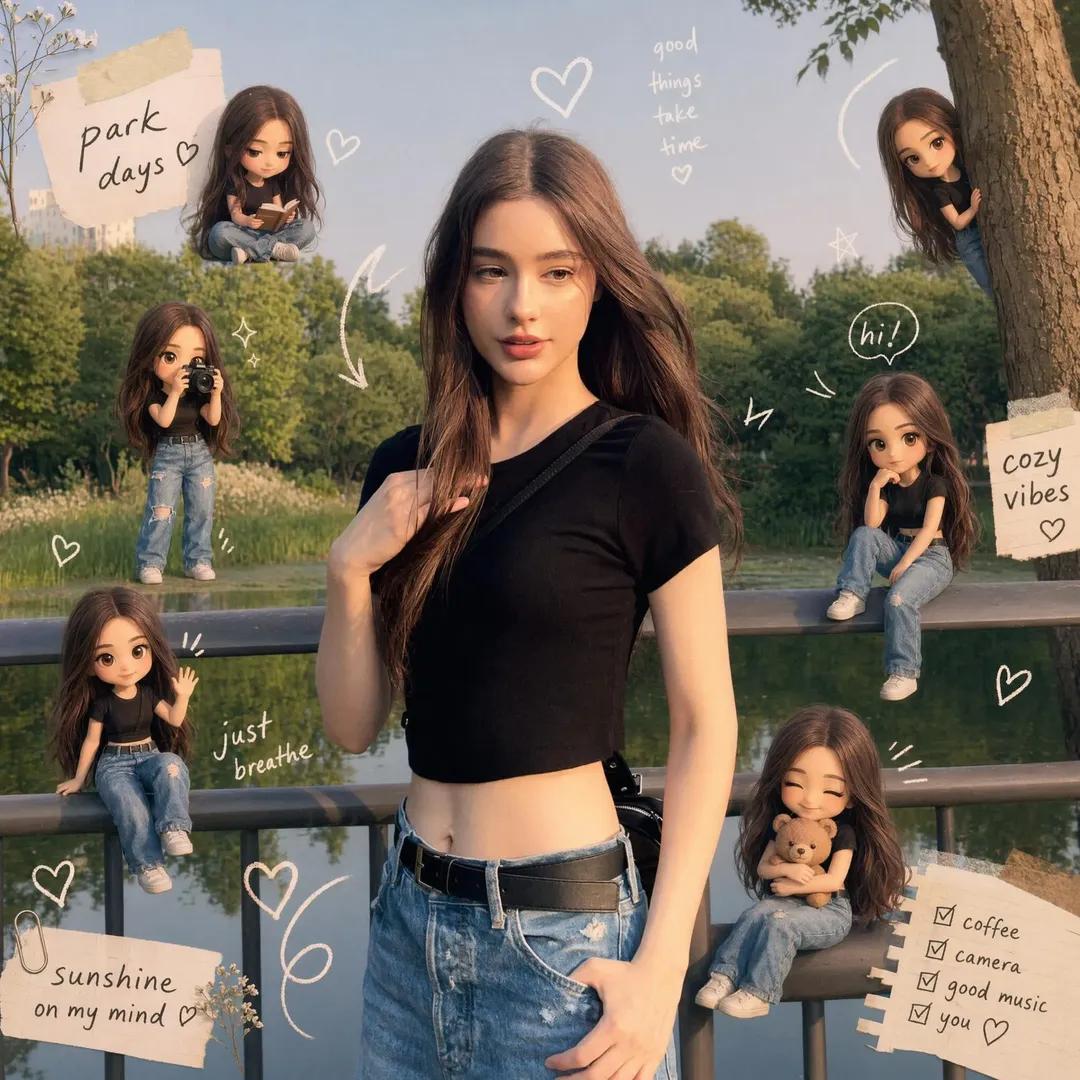
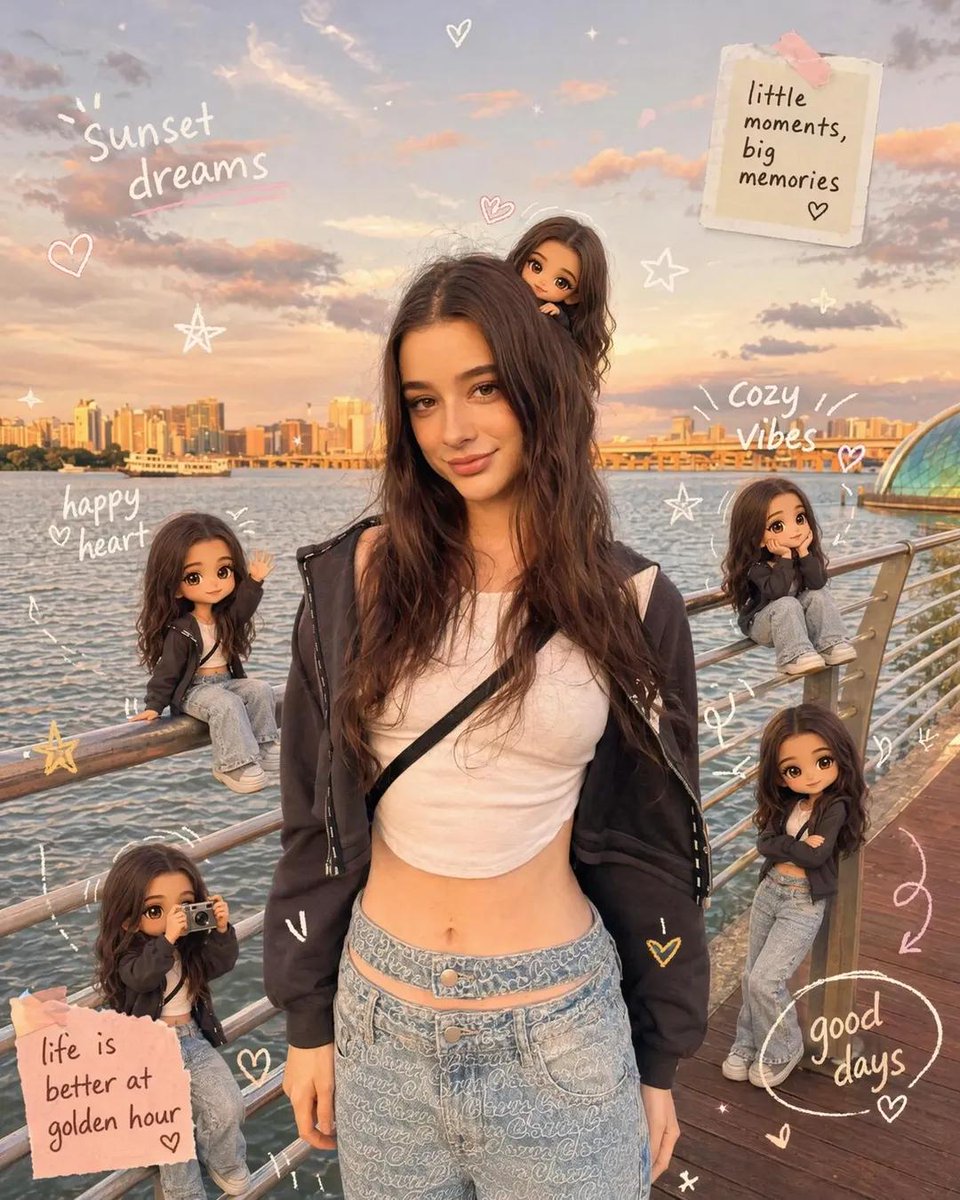
将参考照片转换为温暖的剪贴簿风格构图,包含角色的 Q 版形象和手绘涂鸦。
This ui mockup prompt is a strong starting point when you need a composed GPT Image 2 result with a clear subject, visual structure, and reusable style direction.

Aspect ratio
16:9 or 4:3
Quality pass
Standard first, then high detail
Workflow
Use image-to-image when matching an existing layout or subject matters.
Full GPT Image 2 prompt
English
In 8K Cinematic Transform the reference image into a {argument name="theme" default="cozy scrapbook-style"} composition, strictly preserving subject, identity, pose, lighting, and background. Add multiple mini {argument name="character style" default="chibi/doll"} versions of the same person (matching face, hair, outfit), placed naturally and doing varied activities. Overlay handwritten doodles (hearts, arrows, stars, captions). Use {argument name="color tone" default="soft pastel"} tone. Keep it rich yet clean, warm, dreamy, social media app-style. Final must enhance the SAME image, not recreate itEnglish
以 8K 电影级画质将参考图像转换为 {argument name="theme" default="温馨剪贴簿风格"} 构图,严格保留主体、身份、姿势、光影和背景。添加多个相同的 {argument name="character style" default="Q 版/玩偶"} 角色微缩版本(匹配面部、发型、服装),自然地放置在画面中并进行各种活动。叠加手绘涂鸦(爱心、箭头、星星、标题)。使用 {argument name="color tone" default="柔和粉彩"} 色调。保持画面丰富且整洁、温暖、梦幻,呈现 social media app 风格。最终成品必须在同一图像基础上进行增强,而非重新创作。Related GPT Image 2 prompts
中世纪村庄中被遮挡面部的精灵冒险者
生成一幅电影质感的奇幻场景,画面中两名细节丰富的精灵冒险者正走过中世纪村庄,背景为城堡,且面部被遮挡。
骑士法师大战石像鬼
一个电影级的奇幻战斗场景,用于生成史诗般的游戏风格艺术作品,描绘了一位身披铠甲的女英雄在废墟大教堂中与巨大的石像鬼搏斗的画面。
Ice Auditor Cyberpunk Movie Poster
Generates a dramatic anime sci-fi theatrical poster featuring an icy silver-haired auditor in a cyberpunk city with Japanese film typography.
侧脸女孩特写并排排列
一个基于参考角色生成一排侧脸的提示词,展示一致的特写效果。
Greenery Day Chibi Infographic
Generates a cute Japanese Greenery Day educational poster with a rabbit-eared chibi gardener, nature-themed text boxes, and three informational point cards.
重叠精灵战士阵容
生成重复的动漫奇幻精灵战士角色阵容,适用于测试独立角色透明度或背景移除效果。